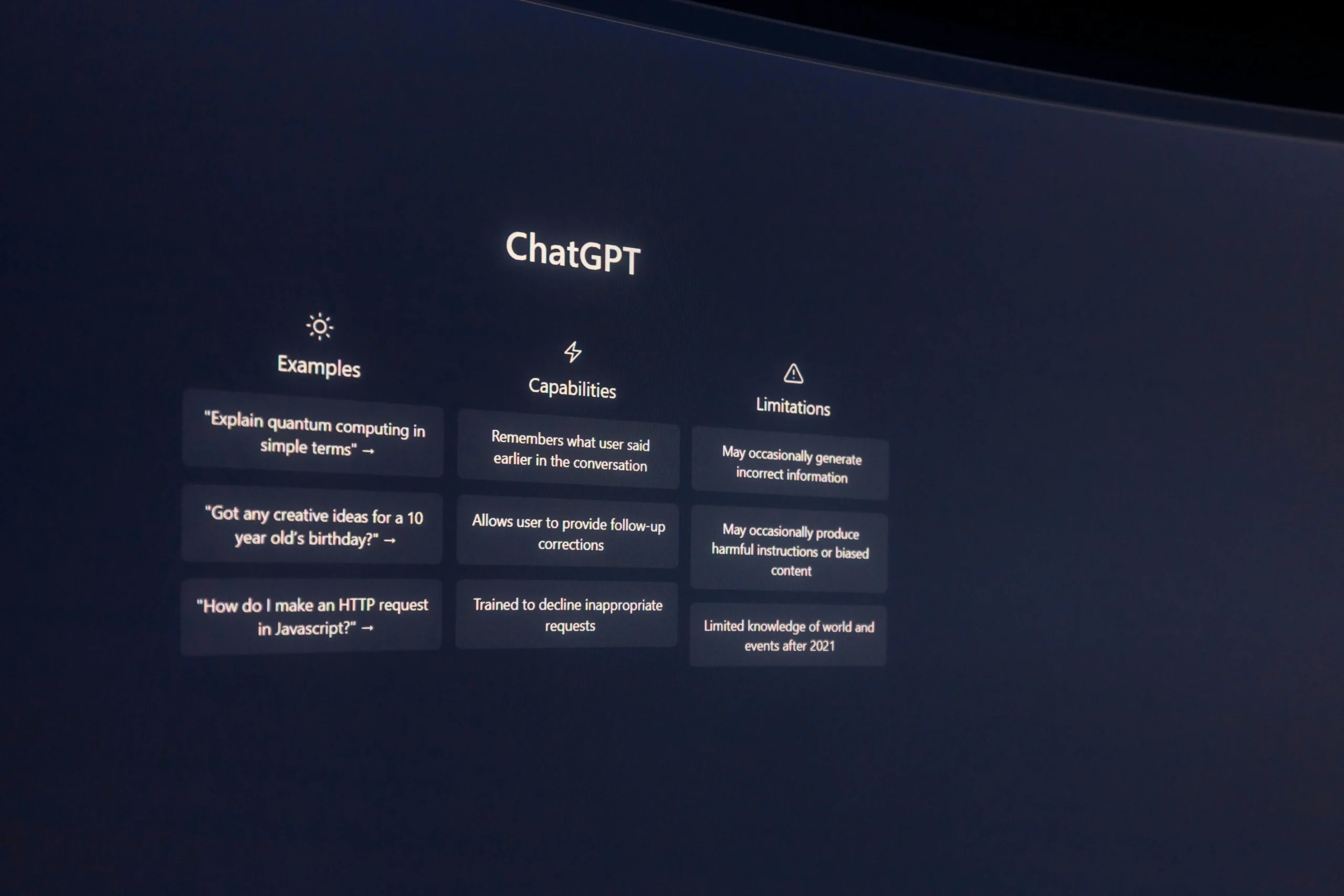
ChatGPT is still one of the strongest AI assistants—but it’s not the best choice for everyone. In 2026, many tools outperform ChatGPT in specific areas like long-document writing, sourced research, Google workspace tasks, or workplace security.
This guide covers the best ChatGPT alternatives in 2026 and helps you choose the right tool based on what you actually need.
Quick picks (fast answer)
-
Best for long writing + clean structure: Claude
-
Best for Google ecosystem: Gemini (Google AI plans)
-
Best for research with citations: Perplexity
-
Best for Microsoft 365 workflows: Microsoft Copilot (personal + business options)
-
Best “free-to-try” powerful competitor: DeepSeek
When you should switch from ChatGPT
Consider an alternative if you need:
-
More natural long-form writing (essays, guides, reports)
-
Research answers with sources by default
-
Tight integration with Google Docs/Gmail or Microsoft Office
-
Team/enterprise controls and privacy
-
A different price point or usage limits
Also note: OpenAI now offers multiple ChatGPT plans (including Go/Plus/Pro), so sometimes upgrading ChatGPT is enough instead of switching.
Top ChatGPT alternatives (what each is best for)
1) Claude (Anthropic)
Best for: long documents, clear writing, structured answers
Why it wins: Claude is often preferred for “clean” writing and handling big chunks of text.
Pricing reference: Claude’s official pricing page lists Free and Pro options (with annual/monthly pricing shown).
Use Claude if you: write long blog guides, rewrite drafts, or want stronger “document thinking.”
2) Gemini (Google)
Best for: people who live in Google apps (Gmail/Docs/Drive)
Why it wins: Gemini is positioned as the Google ecosystem AI layer, with subscription tiers (AI Plus/Pro/Ultra) shown on Google’s subscription pages.
Use Gemini if you: work inside Google services daily and want AI inside those workflows.
3) Perplexity
Best for: research + citations + building sourced summaries
Why it wins: Perplexity is built around “answers with sources,” and its pricing page shows Pro and team/enterprise tiers.
Use Perplexity if you: publish tech news/explainers and must cite sources quickly.
4) Microsoft Copilot (Personal + Work)
Best for: Word/Excel/PowerPoint workflows, workplace security
Why it wins: Microsoft offers Copilot options for individuals and business/enterprise. Microsoft’s own pricing pages explain availability and what’s included.
Use Copilot if you: create reports, tables, presentations, or manage a business workflow in Microsoft 365.
5) DeepSeek
Best for: a strong competitor you can try quickly
Why it wins: DeepSeek provides web access and promotes its latest model availability directly on its site.
Use DeepSeek if you: want a fast alternative to test for writing/coding/content tasks without committing first.
*(Context note: DeepSeek is also in the news recently due to AI competition and allegations around distillation—worth being aware of if you care about AI governance and compliance.)
Mini comparison (simple)
-
Writing long guides: Claude
-
Research + citations: Perplexity
-
Google productivity: Gemini
-
Office & enterprise controls: Microsoft Copilot
-
Quick alternative testing: DeepSeek
How to choose the best alternative (simple checklist)
Pick based on your main use case:
-
Writing blog posts / rewriting: Claude or ChatGPT
-
Tech articles that need sources: Perplexity
-
Docs/Gmail/Drive automation: Gemini
-
Excel/PowerPoint/enterprise security: Microsoft Copilot
-
Budget testing and experimentation: DeepSeek
Common mistakes (avoid these)
-
Paying for multiple tools that do the same job
-
Publishing “facts” without checking sources
-
Choosing a tool without thinking about your daily workflow (Google vs Microsoft)
-
Ignoring usage limits (the real reason you end up upgrading)
Tell me your main goal (writing / research / design / work docs), and I’ll suggest the best tool stack for you.
FAQs (EN)
Q1) What’s the best ChatGPT alternative in 2026?
It depends on your goal: Claude for writing, Perplexity for sourced research, Gemini for Google workflows, Copilot for Microsoft 365 work.
Q2) Which one is best for research with citations?
Perplexity is built for sourced answers and research workflows.
Q3) Which one is best for long-form writing?
Claude is commonly chosen for long documents and structured writing.
Conclusion
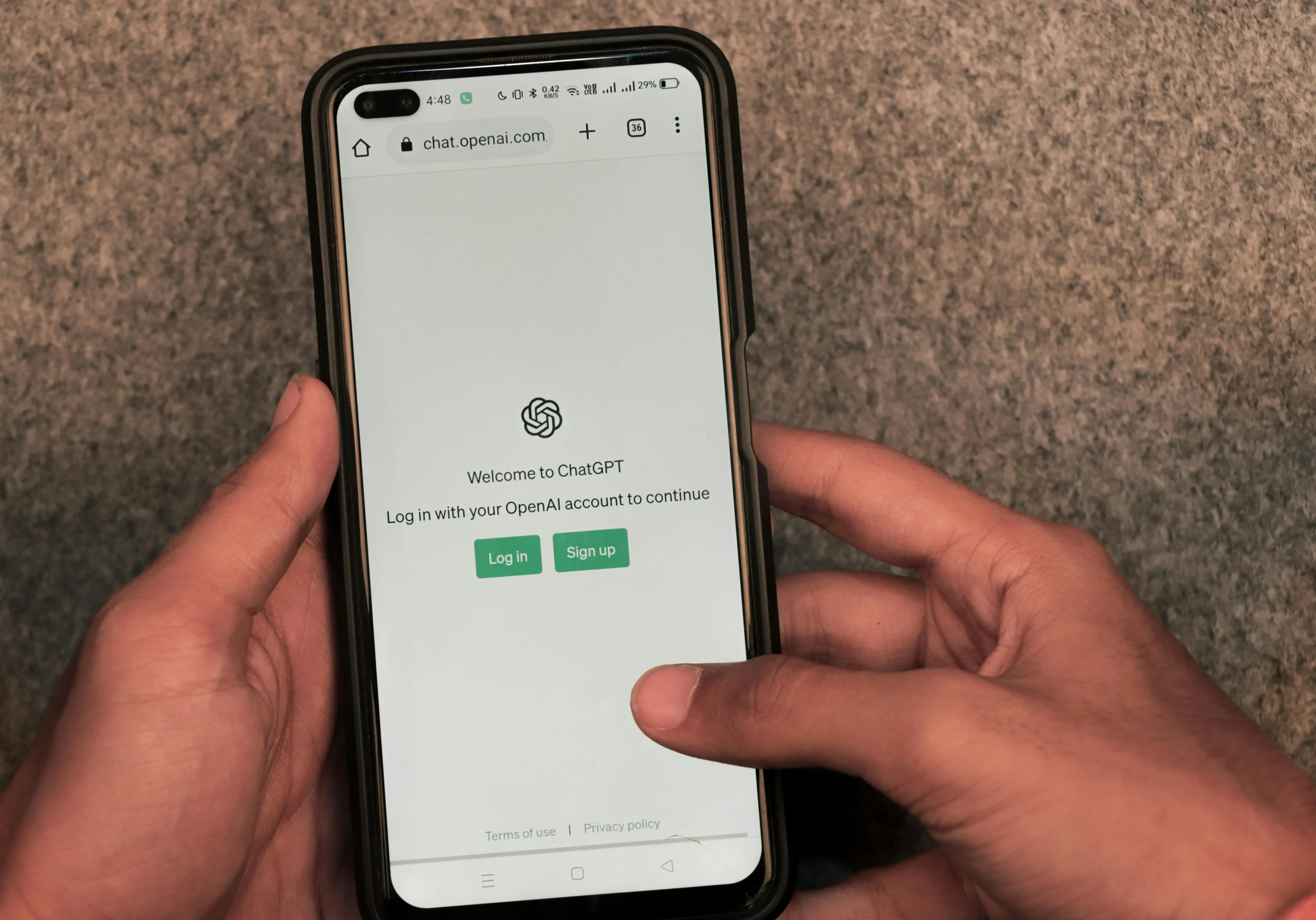
There is no single “best” ChatGPT alternative in 2026. The best choice depends on your workflow:
-
Choose Claude if your priority is long-form writing and clean structure.
-
Choose Perplexity if you need research answers with citations.
-
Choose Gemini if you work mainly inside Google apps.
-
Choose Microsoft Copilot if you rely on Word, Excel, and PowerPoint.
-
Try DeepSeek if you want a strong competitor to test quickly before subscribing.
Final tip: Don’t subscribe to multiple tools on day one. Start with one tool for your main use case, test it for a week, then upgrade only if you hit real limits.
Which one do you want to use most—writing, research, or office work? Leave a comment and I’ll suggest the best setup for you.